How to Add IPTV Playlist Links: M3U and Xtream Codes (2026)
How to add IPTV playlist links in any player: M3U URL, Xtream Codes login or MAC upload, with app-by-app steps and fixes for a playlist that won't load.
IPTV SMART USA support team · Setup help10 min readUpdated
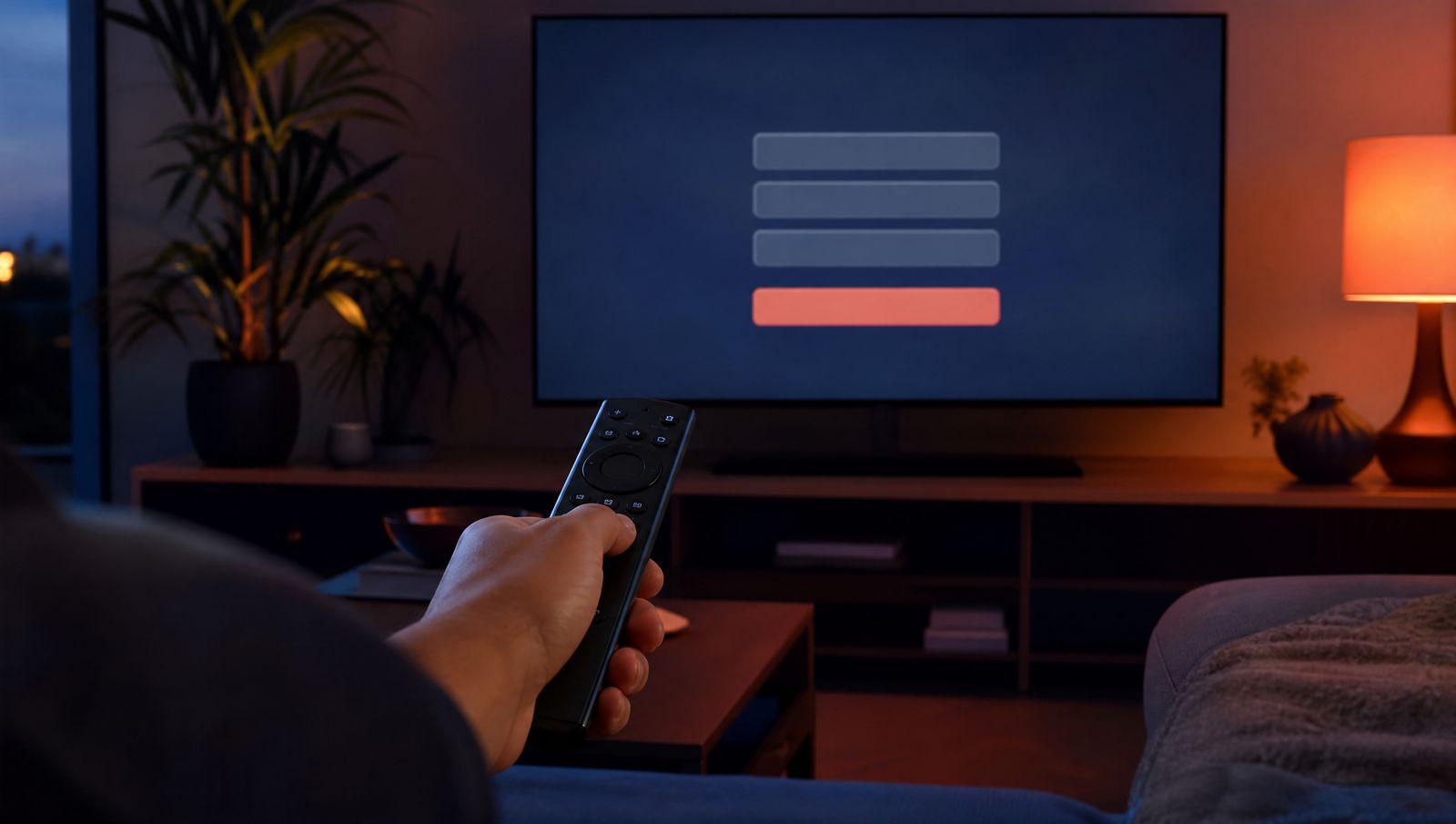
Here is how to add IPTV playlist links to any player app: open the app, choose to add a playlist or a user, and enter the login your provider sent you. That login is either an M3U URL, which is a web link to a plain-text M3U playlist, or an Xtream Codes login made of a server URL, a username and a password. MAC-based apps such as IBO Player work the other way around: you upload the playlist on the app's website using your device's MAC address. The IPTV SMART USA support team wrote this guide from the setup questions we help customers with on WhatsApp and email.
At a glance
| Question | Short answer |
|---|---|
| What you need | Your login details, a player app, and a stable internet connection |
| Login types | M3U URL, Xtream Codes login (server, username, password), or a MAC address upload |
| Time it takes | A few minutes to enter the details. The first load of channels and the TV guide can take about a minute. |
| Apps covered here | IPTV Smarters Pro, TiviMate, IBO Player, Smart IPTV, SET IPTV, XCIPTV, MyIPTV Player, VLC, Kodi and MAG boxes |
| TV guide (EPG) | Fills in by itself with Xtream Codes. With an M3U link, some apps need a separate EPG URL. |
| App cost | VLC and Kodi are free. Some other apps charge their own fee after a trial. |
In this guide
What you need before you start
- The login details from your provider. That means an M3U link, an Xtream Codes login, or both. Many providers also send an EPG link for the TV guide.
- A player app. IPTV is a service, not an app, so you watch it through a player such as IPTV Smarters Pro, TiviMate, IBO Player or VLC. Our IPTV setup video tutorials show which app suits each device, from Firestick and Android boxes to Apple TV, MAG, Formuler and BuzzTV.
- A stable connection. Use Ethernet if your TV box has a port, or strong Wi-Fi if it doesn't.
- A phone or computer close by. MAC-based apps need a web browser for the upload.
How to add IPTV playlist links, step by step
These steps fit any app that takes an M3U link or an Xtream Codes login. Labels vary a little between app versions, but the order stays the same.
- Find your login. It comes by email after you sign up or start a trial. With IPTV SMART USA, the same details are also in your account dashboard.
- Install a player app on your device. If you're not sure which one, IPTV Smarters Pro and TiviMate are good places to start on Firestick and Android TV.
- Open the app and look for the option to add a new playlist or user. In IPTV Smarters Pro you add a new user. In TiviMate the button is "Add playlist".
- Choose the login type. Pick Xtream Codes when the app offers it, because it sorts live TV, movies and series into separate sections and loads the TV guide for you. In Smarters this option is called "Login with Xtream Codes API".
- Type any name in the playlist name field. It's only a label for you, such as "Home", and doesn't need to match your username.
- Enter the server URL, username and password exactly as sent. Copy and paste them if you can, and keep the http:// prefix and any port number, such as :8080, at the end of the server address.
- If you used an M3U link instead, paste the EPG URL into the app's EPG field when it asks for one.
- Save. In Smarters, tap "Add User". In TiviMate, check the channel count it shows, then choose Next and Done.
- Wait for the first load, then open a few channels and the TV guide to check that everything plays.
The three types of IPTV login
Every playlist for IPTV comes in one of three shapes. Knowing which one your app wants avoids most setup problems.
M3U URL
An M3U playlist is a single web address that returns the full channel list. It usually looks like this:
http://server:port/get.php?username=YOURUSER&password=YOURPASS&type=m3u_plus&output=ts
The type=m3u_plus part adds channel logos and group names. The output=ts part sets the stream format. If channels stall, try output=m3u8 instead.
Xtream Codes login
Xtream Codes is the same account split into three fields: a server URL (such as http://server:port), a username and a password. Apps load live TV, movies and series into separate sections and usually pull in the TV guide automatically.
MAC address or device key
MAG boxes and apps like IBO Player, Smart IPTV and SET IPTV show a MAC address on screen, and sometimes a device key too. You enter that MAC on the app's website, paste your M3U link there, and the app downloads the playlist the next time it starts.
What about the EPG URL?
The EPG (electronic program guide) is the TV guide grid. It comes as an XMLTV link, often in this format:
http://server:port/xmltv.php?username=YOURUSER&password=YOURPASS
Xtream Codes logins normally fill it in for you. With a plain M3U link, some apps ask for the EPG URL in a separate field.
How to add IPTV playlist links in each app
IPTV Smarters Pro
Smarters runs on Firestick, Android, iPhone, iPad, Apple TV, Windows and Mac.
- Open the app and choose to add a new user.
- Pick "Login with Xtream Codes API" and enter any name, your username, password and server URL. Or pick "Load your playlist or file/URL", choose URL, and paste the M3U link.
- Tap "Add User". The first load of channels, movies and the TV guide can take a minute.
TiviMate
TiviMate runs on Android-based devices such as Firestick, Fire TV, Android TV boxes and Google TV.
- Open TiviMate and choose "Add playlist".
- Pick Xtream Codes and enter the server, username and password. Or pick M3U playlist and type the URL.
- Confirm the channel count it shows, then choose Next and Done. TiviMate fills in the EPG from an Xtream Codes login.
The free version handles one playlist. More than one needs TiviMate Premium, which you buy separately from the app's developer. Our TiviMate setup guide walks through every screen.
IBO Player, Smart IPTV and SET IPTV
These apps are popular on Samsung and LG smart TVs because you can get them from the TV's own app store. All three use the MAC upload method.
- Install the app on the TV and open it. Write down the MAC address, plus the device key if one is shown.
- On your phone or computer, go to the app's official website and find its playlist upload page.
- Enter the MAC or key, paste your M3U link, and save.
- Restart the app on the TV. The channels load from the playlist you uploaded.
Each of these apps has its own trial period, then the developer asks for a one-time activation fee. That fee goes to the app developer, not to us, and is separate from your IPTV subscription.
XCIPTV and MyIPTV Player
XCIPTV (Android and Firestick) asks for an Xtream Codes login on its first screen. MyIPTV Player (Windows and Xbox) takes an M3U link: in Settings, add a new playlist, paste the URL, then select it as the active playlist.
VLC
VLC is a free media player that opens M3U links on almost any computer or phone. Open the network stream option, paste the M3U URL and press Play. It has no TV guide and no catch-up, so it's most useful for checking whether a link works.
Kodi
Kodi doesn't play IPTV on its own. Install the PVR IPTV Simple Client add-on, paste your M3U and EPG URLs into its settings, and enable it. Channels then show up under TV. Our Kodi IPTV guide covers each screen.
MAG box
A MAG box uses a portal URL instead of an M3U link. You enter the portal address in the box's system settings, usually under Servers and then Portals, and your provider links the box's MAC address to your account. Reboot, and the portal loads. The details are on our MAG box IPTV page.
Copy and paste your login instead of typing it with a TV remote. A single wrong character is the most common reason a playlist fails to load.
Adding a second playlist or making your own
Can I add more than one playlist?
Yes, in most apps. IPTV Smarters Pro lets you add several users and switch between them. TiviMate needs Premium for a second playlist. MAC-based apps usually let you upload more than one playlist on their website and pick one inside the app.
Watching on several devices at once counts toward your screen limit. IPTV SMART USA plans allow 1 to 4 screens at the same time, so choose the number of screens you'll really watch on at once.
Can I make my own IPTV playlist?
Yes. An M3U file is plain text: one line describes the channel (name, logo, group) and the next line is the stream address. You can edit it in any text editor to delete channels, rename groups or merge two lists, though hiding or reordering channels inside the app is often easier.
The stream links inside belong to your subscription, so they stop working when it ends, and a saved file doesn't update when the lineup changes. For daily use, stick with the live M3U URL or the Xtream Codes login.
Playlist won't load? How to fix it
The app says the login is invalid
Check for typos first: capital letters, a zero where there should be the letter O, and stray spaces at the start or end. Then look at the prefix. Use http:// or https:// exactly as sent, because swapping one for the other often breaks the connection. If the server URL ends in a port, such as :8080, keep it. Leaving it off, or using the wrong one, gives a login error.
The account has expired
An expired trial or inactive subscription returns "invalid login" or an empty list, even when every character is right. Check the expiry date in your account dashboard.
One device won't connect while others work
If more devices are watching than your plan allows, the extra one won't connect. Close the app on the devices you aren't using and try again.
The channel list is empty or out of date
Clear the app's cache. On Firestick and Android TV, you'll find it in the system settings under applications. If that doesn't help, delete the playlist and add it again.
The TV guide is blank
With an M3U link, paste the EPG URL into the app's EPG field and refresh the guide. Switching to an Xtream Codes login usually fixes it on its own.
The link works in VLC but not in your app
Paste the M3U link into VLC. If it plays there, your login is fine and the problem is the app. Reinstall it, or try a different player.
Channels load but freeze or buffer
That's a streaming problem, not a playlist problem. Try output=m3u8 in place of output=ts in your M3U link, or see our IPTV buffering fix guide for the rest.
Still stuck? Send our support team the app name, your device and a photo of the error on WhatsApp or by email, in English or Spanish.
Which login type should you use?
For most people, the best way to add a playlist is an Xtream Codes login in a full player app such as IPTV Smarters Pro or TiviMate. Keep the M3U link for apps that only take M3U, for MAC uploads and for a quick check in VLC.
IPTV SMART USA sends all of it by email after payment: an Xtream Codes login, an M3U link and an EPG URL. The same details stay in your account dashboard, and the free trial works the same way with no credit card.
Pros: three short fields instead of one long link; live TV, movies and series in separate sections; the TV guide usually fills in automatically; works in most popular player apps.
Cons: MAC-based apps and VLC still need the M3U link; MAG boxes use a portal URL instead; some apps charge for extra playlists.
Frequently asked questions
What is the difference between an M3U link and Xtream Codes?
They point to the same account. An M3U link is one URL that returns the full channel list. Xtream Codes splits it into server, username and password, so apps can sort content into sections and load the TV guide automatically.
Where do I find my IPTV playlist URL?
Your provider sends it after you sign up. With IPTV SMART USA, it arrives by email and is also shown in your account dashboard, together with your Xtream Codes login and EPG URL.
Why does my app ask for a MAC address?
IBO Player, Smart IPTV, SET IPTV and MAG boxes identify your device by its MAC address. For the apps, you enter it on the app's website along with your playlist. For a MAG box, you give it to your provider. Either way, the device then downloads your channels.
Why is my TV guide empty after adding the playlist?
With an M3U link, many apps need the EPG URL added separately. Paste the XMLTV link into the app's EPG field, then refresh the guide. Switching to an Xtream Codes login usually fills the guide automatically.
Can I use one playlist on several devices?
You can add it to as many devices as you like, but only as many can watch at the same time as your plan allows. IPTV SMART USA plans come with 1 to 4 screens.
Do I have to pay for the player app?
Some apps are free, such as VLC and Kodi. Others, including IBO Player, Smart IPTV, SET IPTV and TiviMate Premium, charge their own fee after a trial. That payment goes to the app developer and is separate from your IPTV subscription.
Want a login that works in all of these apps? Start a free trial with no credit card and get your Xtream Codes login, M3U link and EPG URL by email.
Start your free trialQuestions about your setup? Our support team answers on WhatsApp and email.
All setup guides